
Introduction
The opening stage.
COURSE · DATA · PRESENTATIONS
A presentation does not fail only when the analysis is wrong; it can also fail when the main idea gets buried under numbers, charts, slides, and explanations competing for attention.
Storytelling con datos covers the full path behind a clear presentation: defining the message, building a story, choosing the right visualization, reducing noise, designing slides that guide attention, presenting with greater control, and rehearsing so you can respond to what happens live.
The course itself is taught in Spanish.
6 sections · 74 lessons · approximately 3 h 4 min
View the course on Udemy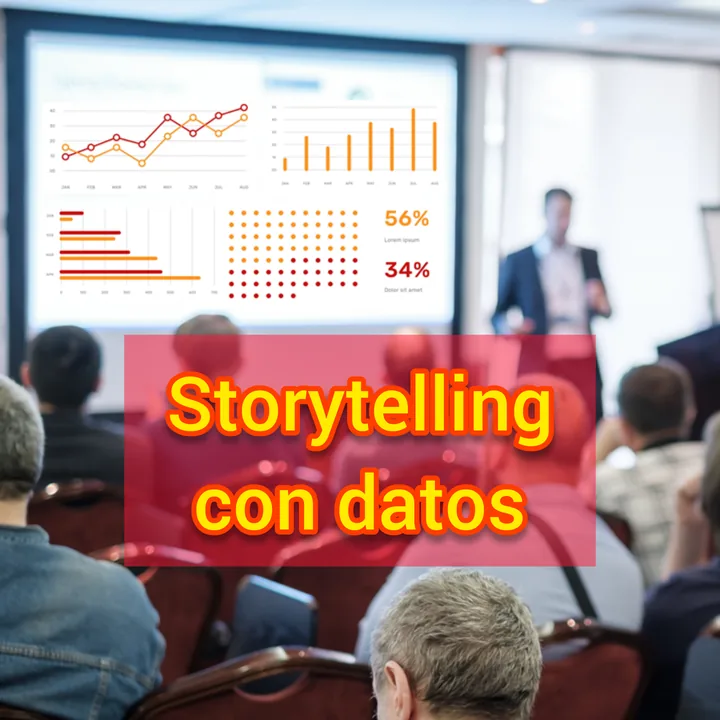
When you prepare a data presentation, it is easy to begin with the tool: open PowerPoint, paste in a chart, choose colors, or add another slide because the message “needs more explanation.” Yet sequence matters, and before designing you need to decide which question the presentation must answer, which conclusion needs to be clear, and which information actually supports it.
That is where the course begins its work, separating exploratory analysis from explanatory communication, planning before designing, and turning a collection of findings into a sequence with direction. The goal is not to hide complexity, but to give complexity a form the audience can follow.
What does the audience need to understand, remember, and be able to follow when they see these data?
A strong presentation needs more than an introduction, several charts, and a conclusion; it needs a structure that can carry the message from beginning to end.
Throughout the course, you will work on identifying the most important question the presentation must answer, compressing the message into a title and a short elevator-style explanation, organizing a story using three-act and four-act structures, using principles that support retention, connecting with different ways people learn, managing attention across the presentation, and creating a storyboard before building the slides.
This changes the logic of the work. Instead of asking what else you can add, you begin deciding what job each element performs inside the message and removing what does not help.
A table, scatter plot, line, slope chart, bar chart, or waterfall chart can all contain correct data and still lead to very different readings. That is why the course does more than list chart types: it explores when different visual forms are useful and when they are better avoided.
The curriculum includes tables and heatmaps, scatter plots, lines and slopes, vertical and horizontal bars, waterfall charts, and area charts, along with situations where a familiar choice may make the message harder to read. It also addresses common problems such as 3D charts and secondary Y-axes.
A comparison between categories may call for bars, while a relationship between variables may call for a scatter plot. The choice changes because the question changes.
Which form lets this comparison be understood with less effort and less ambiguity?
Adding elements is easy, but editing takes judgment. A visualization can contain every necessary number and still be difficult to read when colors, labels, decoration, legends, or secondary elements demand the same attention as the main finding.
The course works with ways to simplify overloaded charts and use simplicity, contrast, signal-to-noise ratio, white space, visual balance, color, and text within a visualization with intent.
The aim is not to turn every chart into decoration, but to help attention reach what matters first and make the reading clearer with fewer competing elements.
The chart is only part of the slide; composition, imagery, space, contrast, and the number of elements visible at once also shape what the audience notices. This part of the course covers topics such as the picture-superiority effect, careful use of bullets, simplicity, the rule of thirds, balance, negative space, logo use, and selecting professional images.
An image can add context, for example, but it can also distract if it takes over the role that should belong to the main finding. Each visual decision serves the same purpose: the slide should support understanding rather than compete with it.
A well-designed file cannot do the presenter's job on its own, so the course also moves into live delivery: posture, movement, eye contact, voice, pace, volume, openings, closings, and handling questions.
It addresses situations that rarely appear in a slide template as well: what to do when you do not know an answer, when to defer an out-of-scope question, how to reduce filler words, how to avoid unnecessary jargon, and how to give numbers context while speaking. That broadens the course beyond visual design: you work not only on what the audience will see, but also on how they will receive it while you explain it.
The final part focuses on practice: rehearsal, video as a way to review your own delivery, time control, adjustments when you are running early or late, cue cards and notes, and the transition from an initial script toward a more natural presentation.
The purpose of rehearsal is not to recite every word, but to know the structure well enough to keep the presentation on track when the real situation does not unfold exactly as planned.
The opening stage.
Message, structure, story, and storyboard.
Selecting, cleaning, and using visualizations.
Composition and visual attention.
Presence, voice, questions, and live communication.
Rehearsal, timing, adaptation, notes, and practice.
74 lessons · approximately 3 hours and 4 minutes of content.
It is designed for people who prepare presentations where data need to become an explanation other people can follow. If you need to communicate results without asking the audience to reconstruct the analysis for themselves, the course gives that work a clear sequence.
Students presenting a thesis, research, or project; analysts explaining results to people who did not perform the analysis; professionals presenting to clients or teams; managers communicating metrics, trends, or results; and leaders presenting information to decision-makers.
You do not need to be a designer or a statistics expert to follow the approach described in the course; what helps is having a concrete need: making a presentation clearer, more intentional, and easier to follow.
You are looking only for training in a specific software tool, an advanced statistics course, or an exhaustive library of visualization techniques. The scope is broader because it connects narrative, chart selection, slide design, delivery, and practice.
If your challenge sits precisely at that intersection — you have useful information but need a better way to turn it into a presentation — that is where this course focuses its work.
A clear presentation does not require filling every empty space or turning every number into a dramatic story; it requires decisions about what deserves to appear, what can disappear, which comparison needs a chart, which idea needs a pause, what the audience needs to understand before you move on, and what should remain in memory when the presentation is over.
Storytelling con datos brings those decisions into one path: from planning to chart, from chart to slide, from slide to delivery, and from delivery to rehearsal.
View Storytelling con datos on Udemy